Reproduce recorded field acceleration measurements on a shaker with FDR. The software performs an iterative time-history playback to replicate waveforms, including high-peak accelerations.
Engineers can use the Field Data Replication (FDR) software to reproduce a single environment, including high peaks, on a shaker in the lab.
The FDR software plays back a recorded time-history file as a control reference. By replicating a waveform from the field, FDR includes the higher accelerations that a random vibration test may average out. The result is a 1:1 replication.
FDR quickly brings a vibration test to full-level and requires minimal setup or configuration.
Potential Applications
Replicating a defined environment without iterative field testing
Root-cause investigation of field failures
Testing a single dominant operating condition
Comparing lab results to real-world behavior
Data Import
In VibrationVIEW, import recorded waveforms from a data recorder with analog input, a digital wave, or text files. Waveforms can be up to 45 hours long at a 26,000 Hz sampling rate (with VR9403 High-Frequency option) or up to 1 year at a 100 Hz sampling rate.
Filters
Apply a low pass filter, a high pass filter, or a notch filter with the option to modify it during the live stream. The VR controller automatically adjusts the control. This capability allows engineers to remove different frequencies as the test is running.
Record Your Own Data
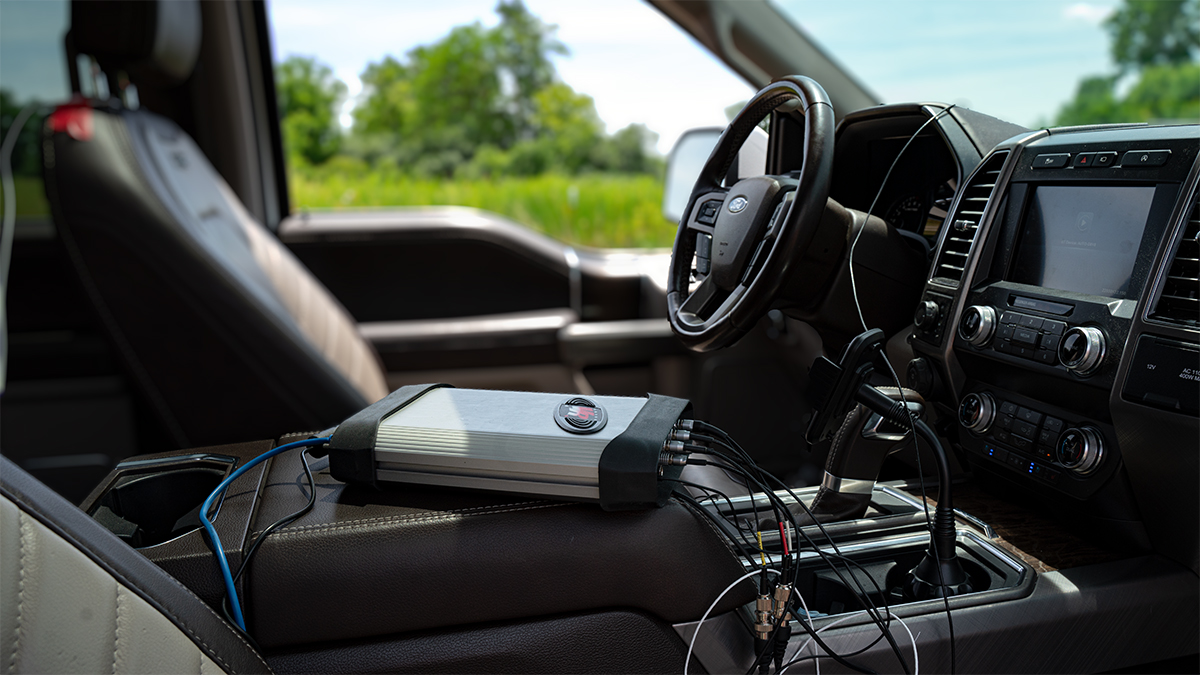
Collect data with the press of a button using the battery-powered, WiFi-enabled ObserVR1000 hardware device. Along with the VR Mobile application, you can monitor the data stream from any distance.
Why FDR?
Highest fidelity test method for system-level validation
Captures transients, non-Gaussian events, and environmental nuances
Reveals fatigue and failure mechanisms not captured by PSD-based random or sine-on-random tests
Useful for vehicles, aerospace systems, industrial machinery, or any complex environment
Fundamentals of VibrationVIEW Part 5 - Field Data Replication
VR Controllers
VR controllers automatically equalize the response of the shaker, fixture, or test article prior to running the test.
Engineers can instruct the controller to memorize the equalization and store it with the test, starting the test at the full equalized level. The frequency range of the output signal is configurable, with notching capabilities available.
Field Data Replicator Reference (Output)
VR9401
Play any uncompensated reference waveform in sync with the control waveform. This software add-on also includes a spectrum analyzer for external verification of the results. It can sync a pre-recorded trigger signal (e.g., tachometer, cylinder firing, etc.) or additional environmental factors (e.g., motor RPM, temperature, etc.) with the recorded vibration.
Data Editing & Analysis
Edit recorded data files and analyze the results before importing them into FDR. The ObserVIEW software supports most text and CSV files from any data acquisition system. It handles large recording files (100+ GB) with ease and can synchronize data from multiple DAQ devices.
Multi-loop Control
Control two or more shakers on a single axis or multiple ones. Each output drives a separate shaker to more closely replicate the operational environment. The Field Data Replication (FDR) test mode can simultaneously run 2, 3, or 4 output drive loops with a VR10500.
When to Use FDR?
Engineers can use FDR for a 1:1 replication of individual operating environments. If a product operates in a single environment, its vibration data can be recorded and replicated in the lab.
However, an FDR test represents one specific environment, and most DUTs experience various conditions throughout their operating life. FDR represents just one of a product’s many possible operational environments.